-This is not a sponsored post.
I am a collector, I'm not sure if a lot other crafty people are, but as someone with (undiagnosed) ADHD I think it's one of my quirks. I like to collect craft supplies and that includes clip art. I have folders upon folders of clip art and I had really, nothing to do with them, well, now I do. I've started working with Corjl, and if you've ever purchased an editable item on Etsy you've probably seen listings with it before. I had used it a few times to make my kids their party invites and I didn't have any issues with the process.
Right now (as of November 2022) They are offering a 2 week free trial if you want to make some designs and give it a whirl. I have my designs tied to my Etsy store, but you can also use Shopify. When you sign up you are given access to a digital folder with lots of resources for your store listings, as well as logos.
I am going to give a very simple overview of how it works. When you open your seller account you can choose to start a new design. Once you choose your size parameters you can start the design process. Upload your images (make sure you have the proper licenses) and you can drag and drop your images into the artboard and make it look how you want. You can go to the fonts tab and choose the fonts they have available or you can subscribe to their Creative Fabrica font package. If you already have a CF subscription, you can't link them, I tried.
After your design is how you want it you need to download a copy to use in your listings. Once you do this you need to create a listing in Corjl to match up to the listing in your Shop. OH! one thing I forgot to mention was you get a DEMO of your product! Your customer can try it out and see if it works for them before purchasing, and then they can purchase right from the demo. Your demo link is on the Listing page for that particular item. I recommend trying everything out first before you publish your listing on your shop. You also attach your etsy (or shopify) listing number, to the listing in Corjl. It sounds like a lot, but honestly it's not too bad once you get used to the interface.
That's the jist of it, honestly there's a bit more to cover but if you have a ton of graphics like I do and have no idea what to do with them, this is a good way to use them and make passive income. If you give Corjl a try, let me know what you think!
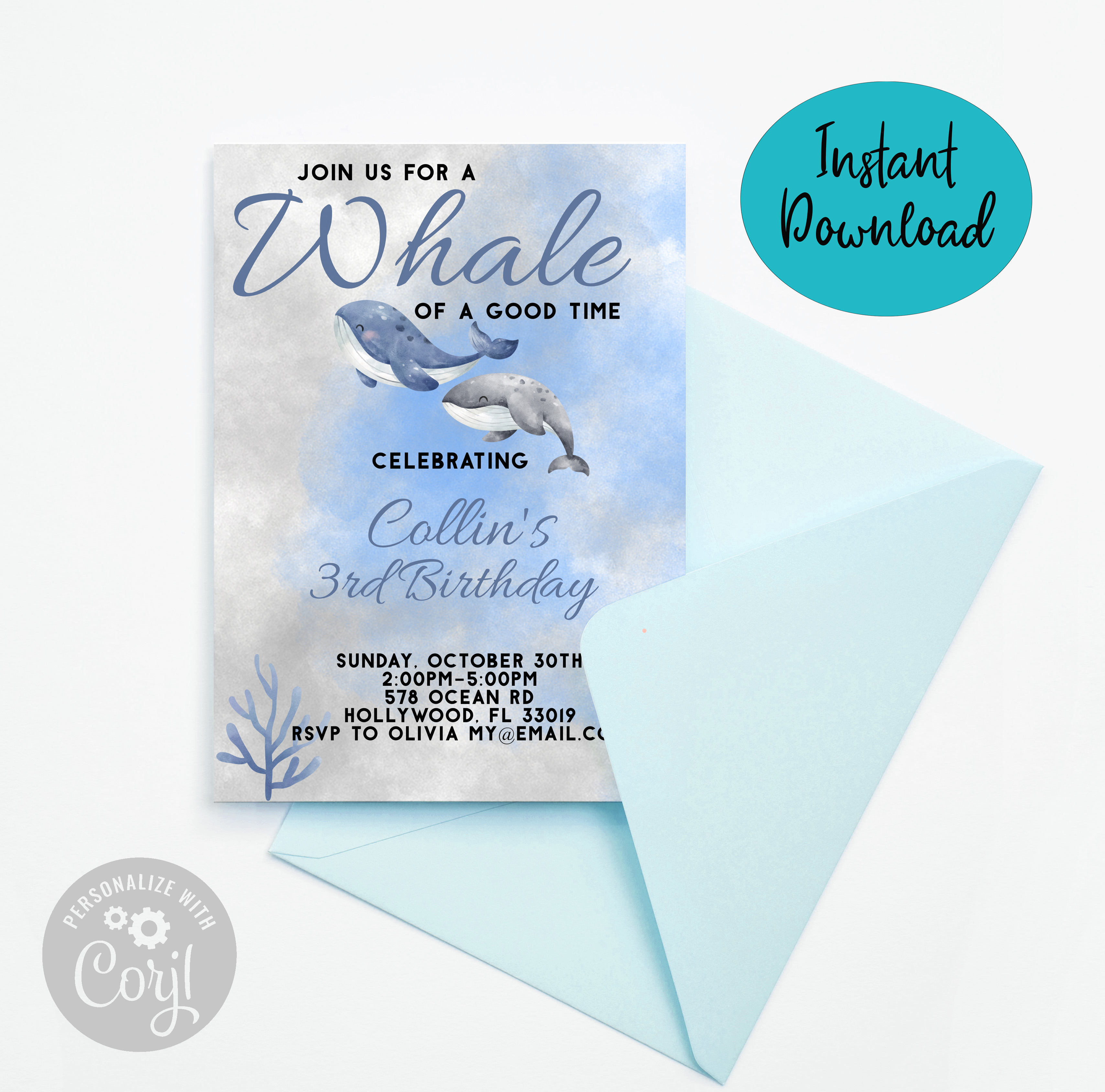
Here are some birthday invites I made up using the graphics I hoard and Corjl.
You can click on my Etsy button on the right of the blog to find the invites if you're interested in purchasing.
Enjoy!